TommyLab Extension Sorter
A downloadable tool
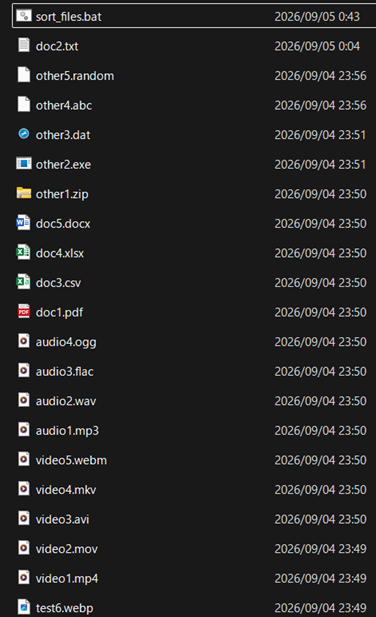
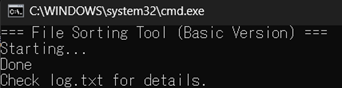
One‑Click File Organizer (Basic Version)
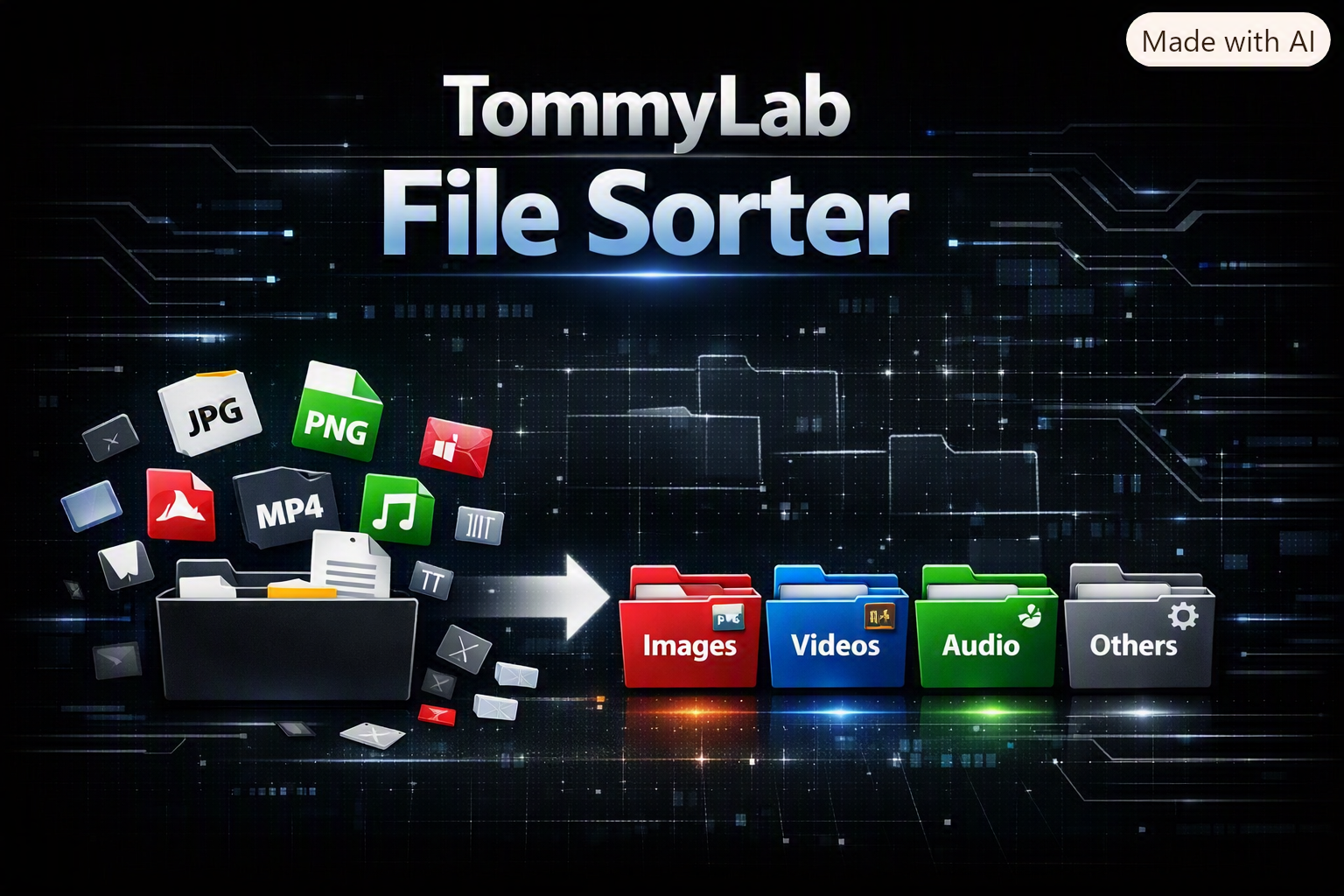
This lightweight Windows tool instantly sorts all files in any folder into clean categories.
Just place the .bat file inside a folder and run it — no installation, no setup, no dependencies.
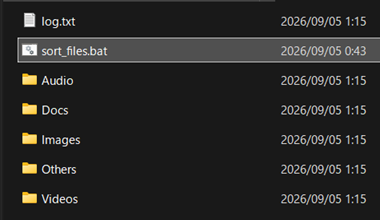
The tool automatically creates:
• Images
• Videos
• Audio
• Docs
• Others
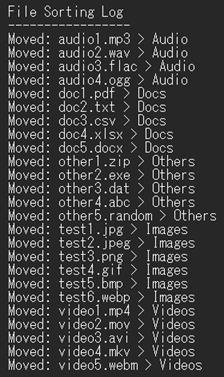
and moves all matching files into the correct place.
A log.txt file is generated so you can see exactly what was moved.
Supported Extensions:
Images: jpg, jpeg, png, gif, bmp, webp
Videos: mp4, mov, avi, mkv, webm
Audio: mp3, wav, flac, ogg
Documents: pdf, txt, csv, xlsx, docx
How to Use:
1. Put the .bat file inside the folder you want to organize.
2. Double‑click it.
3. Done — your files are sorted automatically.
Perfect for:
• AI image generation outputs
• Download folders
• Mixed media projects
• Creators who want fast, simple organization
Purchase
In order to download this tool you must purchase it at or above the minimum price of $5 USD. You will get access to the following files:
Leave a comment
Log in with itch.io to leave a comment.